Keeps one termbase entry per concept
Any number of languages, with fields of your own at entry, language and term level.
Translate documents, subtitles and Trados or memoQ packages with memories, termbases and checks, on your own computer and without an account.
Trados and memoQ packages, bilingual XLIFF, Word, InDesign and subtitles open as projects and go back as the sending tool expects them.
Packages: .sdlppx back as .sdlrpx, .mqout back as .mqback.
Memories: TMX, Trados Studio and Wordfast.
Termbases: TBX, MultiTerm and Excel.
Everything that was not translated stays byte for byte. A bilingual file gets only its changed targets and states written.
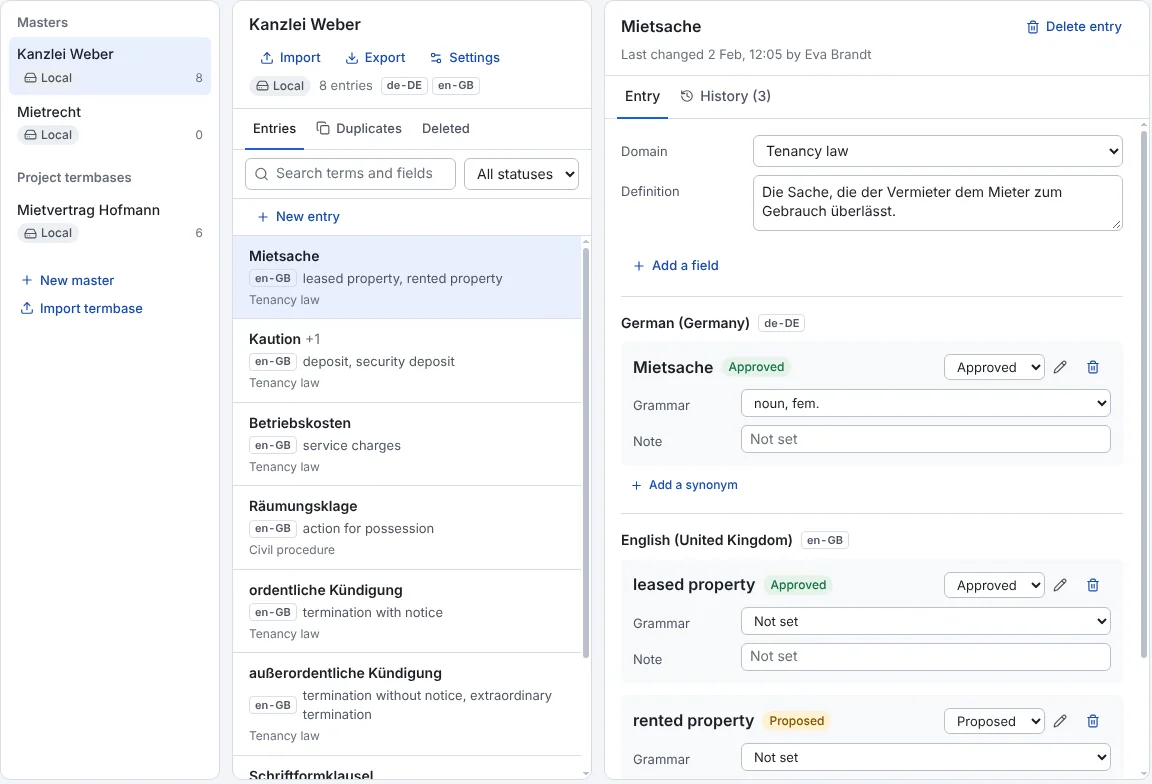
Documents, folders or a package. The source language is detected and the client's memories and termbases are suggested.
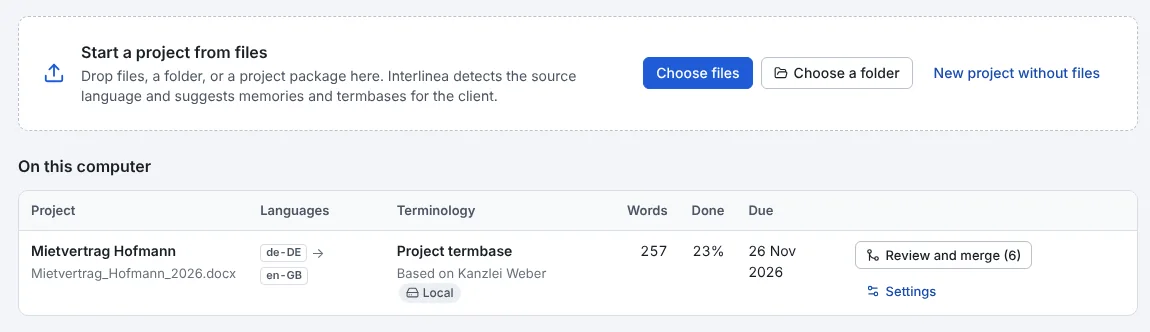
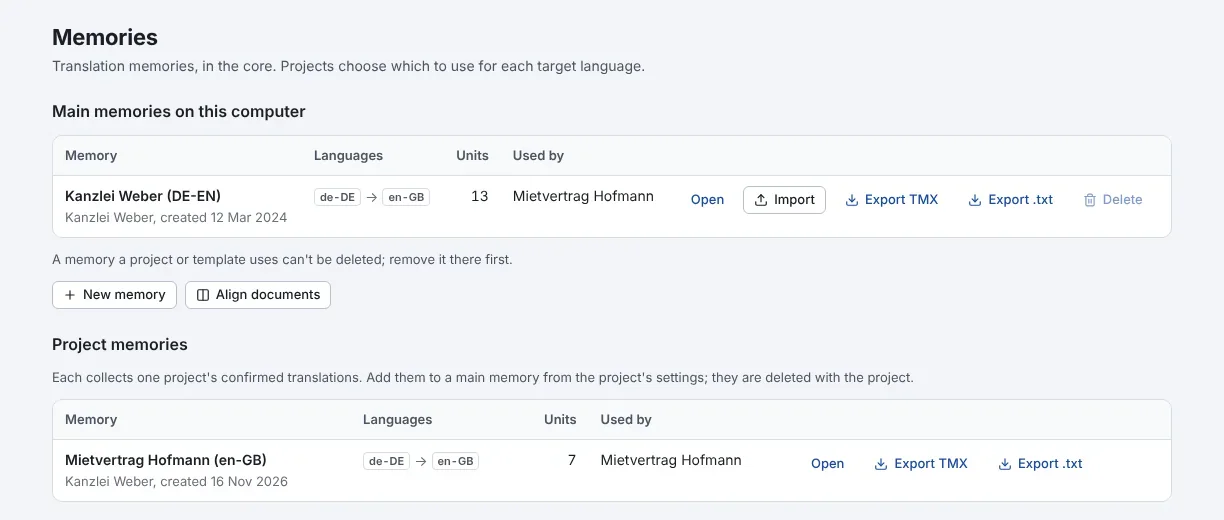
Lookup order and penalties per memory, a project memory per language, and a weighted analysis for the quote.
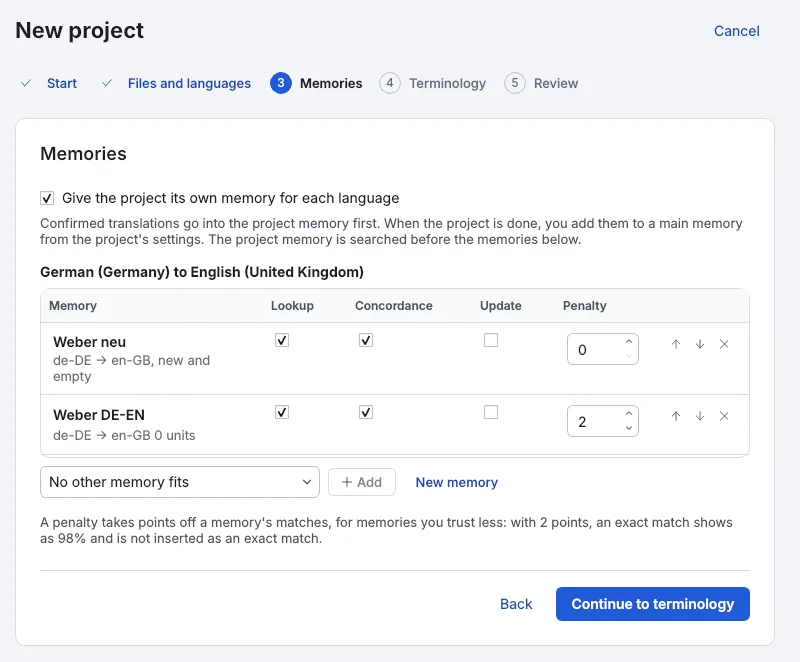
The usual keys, matches with their differences, checks as you type. Then save the document, the XLIFF or the return package.
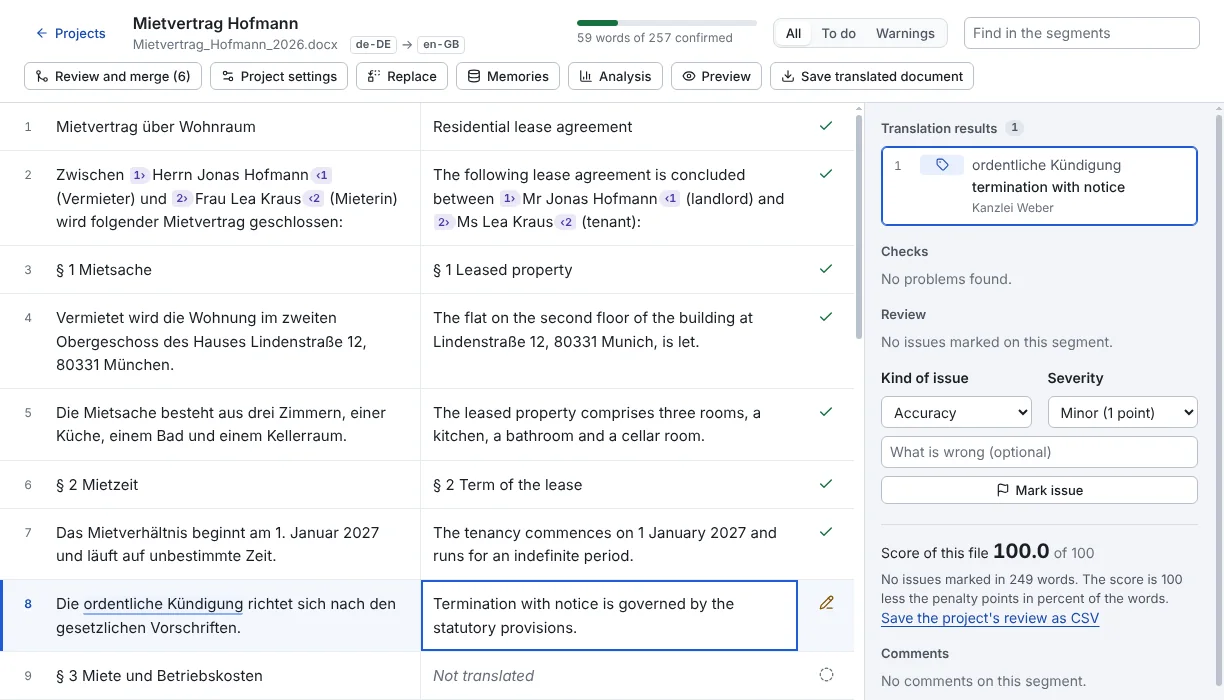
Any number of languages, with fields of your own at entry, language and term level.
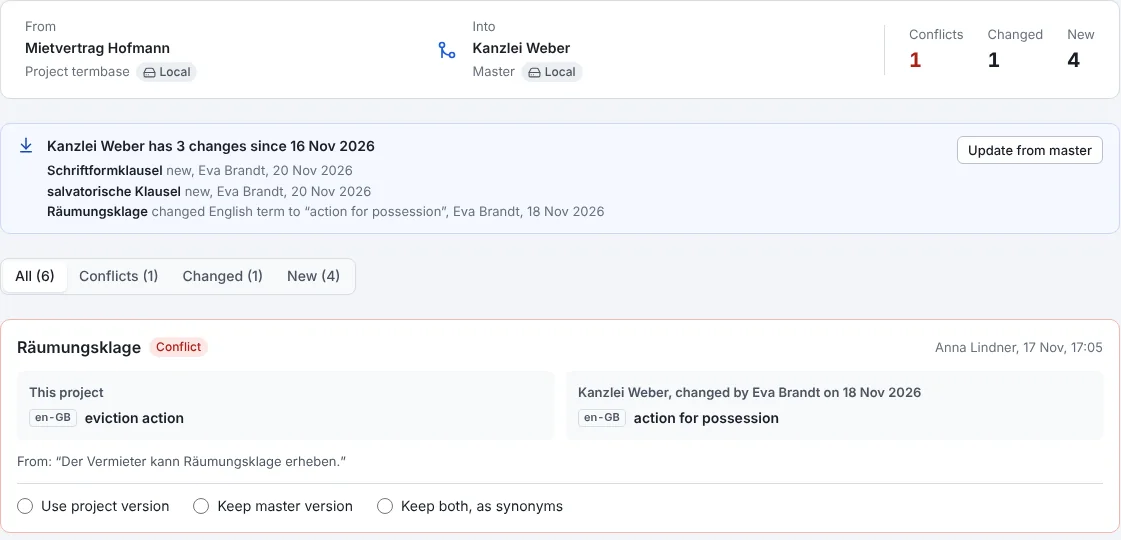
A project termbase collects what the project adds; a review decides, conflict by conflict, what reaches the master.
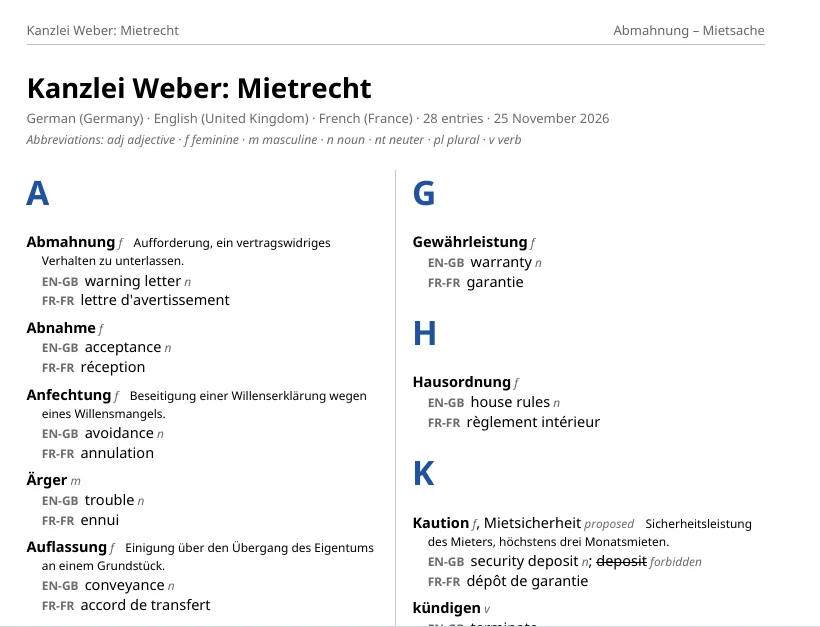
A PDF in two columns with running heads, a Word file, a web page with search, or a table.
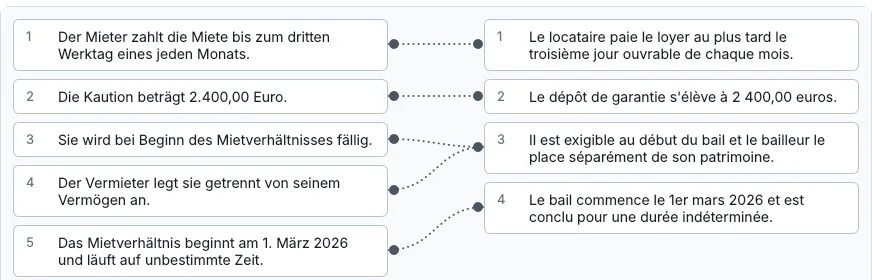
Align earlier documents with their translations, or import TMX, Trados Studio and Wordfast memories.
None. It is free software under the GNU AGPL 3.0, for paid work too.
No. It works on your computer without an account or a network.
In a folder on your computer, or in your browser for the browser client.
Yes: TMX, Trados Studio (.sdltm) and Wordfast memories, and MultiTerm termbases.
It has not been tried in memoQ yet. Until it has, send the MQXLIFF files.
English, German and Korean, with spelling dictionaries for 22 languages.
Version 0.5.1, free under the AGPL. The installers are not signed yet: the install guide shows the one extra click.

Installer, 37 MB, no administrator rights.
Download for WindowsPortable zip, 43 MB
Disk image, 67 MB, Apple silicon and Intel.
Download for macOS
AppImage, 61 MB, made executable to start.
Download for LinuxThe same editor, with your work kept in your browser.
Termbases, memories and projects for a team, with sign-in and roles.